If you’ve worked on a Laravel project for more than a few days, you’ve probably asked yourself: “Where should I put these constants?”
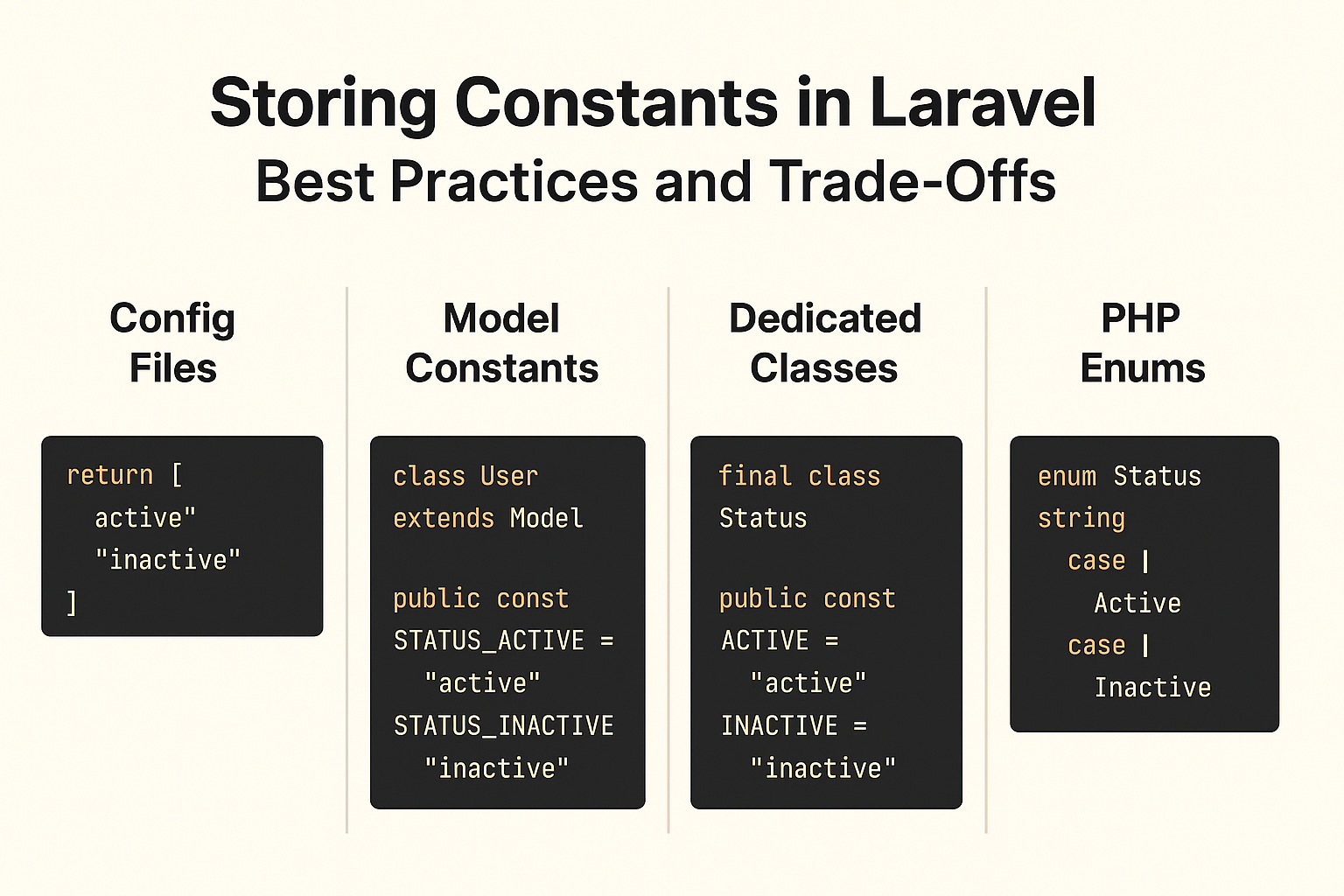
Whether it’s user roles, task statuses, or API limits, constants are everywhere. Managing them well can save you from bugs, duplicated code, and endless refactors. But in Laravel, there isn’t just one way — and that’s both a blessing and a curse.
Let’s walk through the most common approaches, their pros and cons, and some best practices to keep your codebase clean.
1. Config Files
Laravel’s config system is often the first stop for constants. You can create something like config/statuses.php:
return [
    'active' => 'active',
    'inactive' => 'inactive',
];
Pros
- Framework-native and easy to access (
config('statuses.active')). - Centralized, making them easy to maintain.
- Plays well with environment-specific overrides.
Cons
- Constants are just strings — no autocomplete.
- Typos can slip in without immediate feedback.
- Lacks strong typing.
Best for: environment-dependent values or global app settings.
2. Model Constants
Sometimes it makes sense to keep constants close to the logic they belong to. For example, in a User model:
class User extends Model
{
    public const STATUS_ACTIVE = 'active';
    public const STATUS_INACTIVE = 'inactive';
}
Pros
- Strong IDE support and autocomplete.
- Keeps constants tied to the domain logic.
- Easy to read and reason about.
Cons
- Can clutter the model if there are too many.
- Not reusable across different models.
Best for: small sets of constants directly tied to a single model.
3. Dedicated Constant Classes
For larger projects, a dedicated class or namespace can help keep things organized:
final class Status
{
    public const ACTIVE = 'active';
    public const INACTIVE = 'inactive';
}
Pros
- Centralized, reusable, and clean.
- IDE-friendly with autocomplete.
- Easy to extend (e.g., adding an
all()method).
Cons
- Slightly more boilerplate.
- Might feel heavy for small apps.
Best for: medium to large projects where constants are shared across domains.
4. PHP Enums (Modern Approach)
With PHP 8.1+, enums bring type-safety to constants:
enum Status: string
{
    case Active = 'active';
    case Inactive = 'inactive';
}
Pros
- Type-safe and expressive.
- Can hold methods, not just values.
- Prevents invalid states at compile time.
Cons
- Requires PHP 8.1+.
- Might feel like overkill for simple constants.
Best for: modern Laravel projects where type safety and scalability matter.
Wrapping Up
There’s no one-size-fits-all solution for constants in Laravel.
- Use config files for global or environment-specific values.
- Use model constants for simple, model-specific rules.
- Use dedicated classes when constants span multiple domains.
- Use enums if you’re on PHP 8.1+ and want type safety.
The real best practice? Be consistent. Pick an approach that fits your team and project size — and stick with it.